User Guide
Details View
► Swipe left or right to view surrounding stickies.
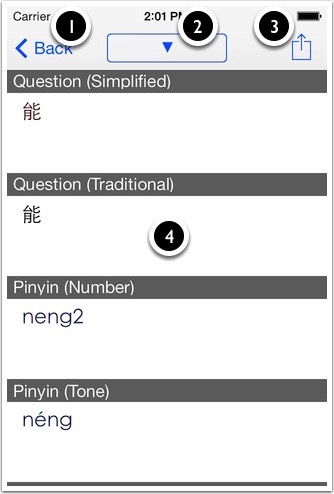
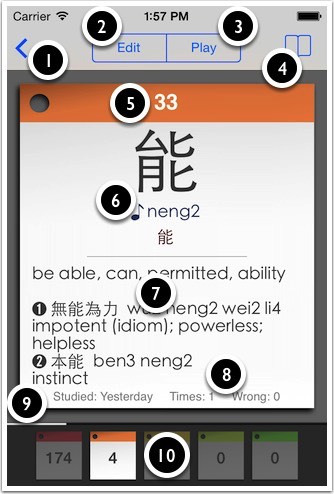
① Back to browse.
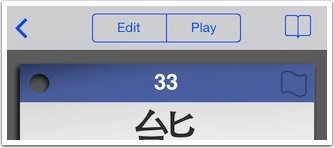
② Edit sticky's contents but not examples.
③ Play the audio.
④ Example sentences.
⑤ Level colour. Tap to flag.
⑥ Traditional, simplified and pinyin depending on the setting.
⑦ Answer and example compounds.
⑧ Stats about this sticky.
⑨ White line represents position of sticky in deck (not while studying).
⑩ Overview of the whole deck. Tap to change colour of current sticky.
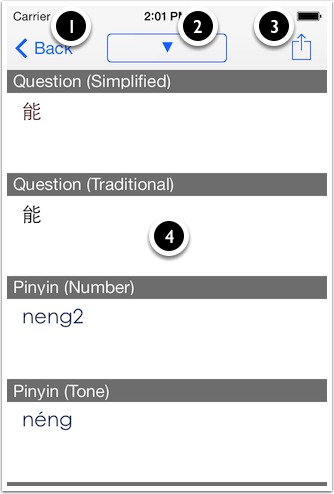
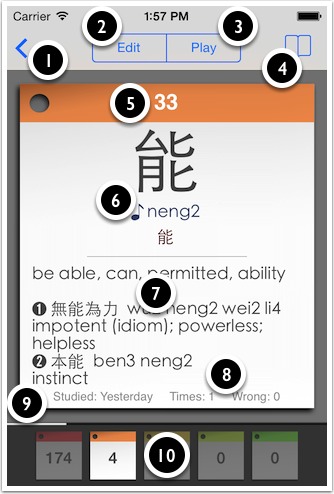
① Back to browse.
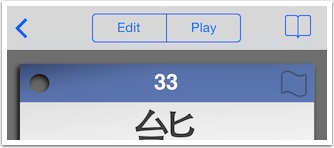
② Edit sticky's contents but not examples.
③ Play the audio.
④ Example sentences.
⑤ Level colour. Tap to flag.
⑥ Traditional, simplified and pinyin depending on the setting.
⑦ Answer and example compounds.
⑧ Stats about this sticky.
⑨ White line represents position of sticky in deck (not while studying).
⑩ Overview of the whole deck. Tap to change colour of current sticky.